
Home > Solutions > Self-Ordering Kiosk
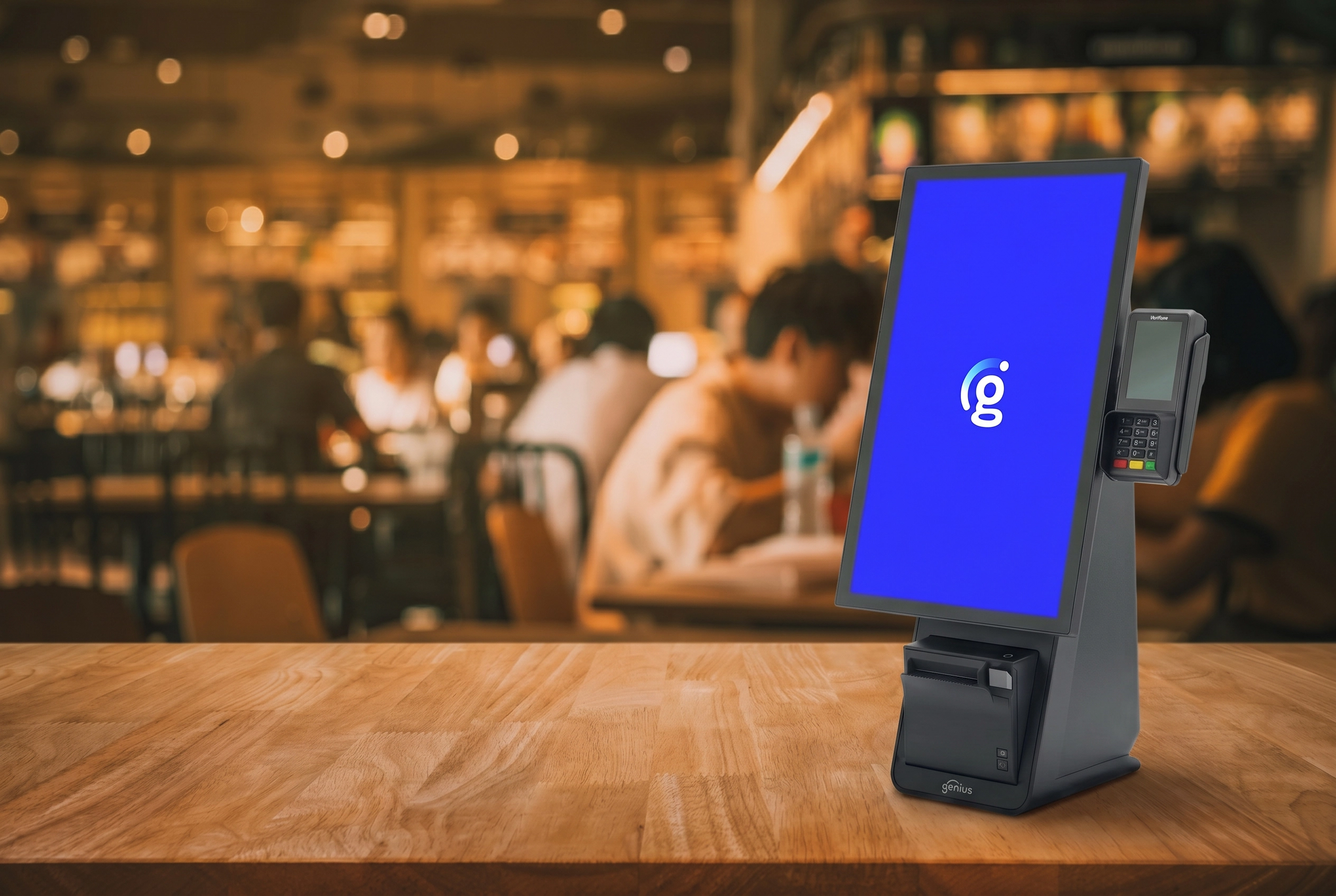
Self-Ordering Kiosk Solutions
A self-ordering kiosk helps restaurants and high-traffic retailers reduce lines, support limited staffing, and give guests a faster way to browse, customize, and pay. When done well, it improves order accuracy, raises throughput, and creates a smoother guest experience without turning the counter into a bottleneck.
The real evaluation is not just about the screen. Buyers need to think through POS integration, payment processing, guest adoption, kiosk placement, staff training, rollout support, and where self-ordering creates the most value in the business.
What to Review Before You Deploy a Self-Ordering Kiosk
Successful kiosk rollouts depend on more than hardware selection. These planning areas help businesses evaluate how a self-ordering kiosk will connect to POS workflow, payment processing, guest behavior, and daily operations before launch.
How a Self-Ordering Kiosk Improves Speed, Accuracy, and Guest Experience
The most valuable kiosk deployments solve specific operational problems. That usually means reducing wait times at the busiest service points, making order flow more consistent, and giving staff more time to focus on fulfillment or guest-facing exceptions instead of repeated manual entry.
In restaurants, that often means helping limited-staffing teams move guests through ordering faster without sacrificing visibility or control. In retail, it can mean improving service at convenience, grocery, or specialty counters without adding more staffed lanes.
Move routine ordering and payment away from the busiest staffed counter positions.
Reduce communication errors by letting customers review and submit their own selections.
Create a more consistent upsell flow across rush periods, shifts, and locations.
Free team members to focus on fulfillment, service, age verification, or exception handling where human help still matters most.
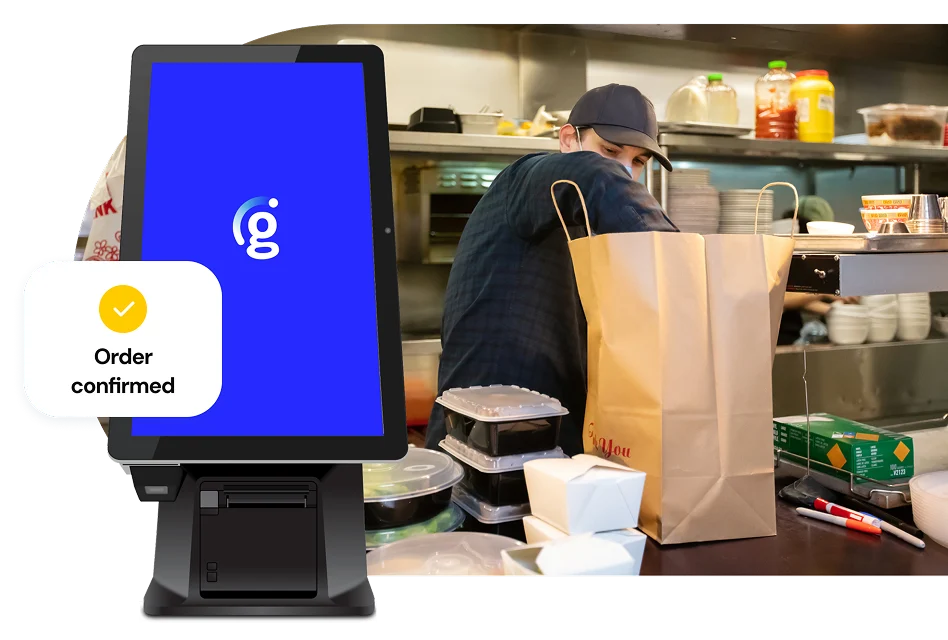
Self-Ordering Kiosk Capabilities That Matter in Daily Operations
The strongest self-ordering kiosk setups improve transaction speed without creating a second operational system to manage. These are the capabilities most buyers evaluate when deciding whether self-ordering will actually help the business.
Touchscreen Self-Ordering
Customers can browse, customize, and place orders through a guided touchscreen experience that reduces dependence on staffed order entry.
Direct POS Integration
Orders flow into the same POS environment your team already uses, reducing re-entry, confusion, and workflow gaps between the kiosk and the register.
Integrated Payments
Customers can complete transactions at the kiosk using secure card and contactless payment methods without needing separate payment handling.
Upsells and Promotions
Kiosk screens can present featured items, combo suggestions, loyalty prompts, and promotional offers in a more consistent way than manual counter selling.
Flexible Hardware Formats
Countertop, freestanding, and wall-mounted options make it easier to fit a self-ordering kiosk into different layouts, lobby footprints, and service models.
Real-Time Sync and Reporting
Pricing, item changes, and order data stay connected so teams can manage kiosk activity alongside other channels with better operational visibility.
Need Help Evaluating POS Integration, Guest Adoption, or Hardware Options?
If you are evaluating self-ordering kiosk placement, POS integration, payment handling, hardware options, or customer adoption, we can help you sort through the operational tradeoffs before you commit to a rollout.
Talk Through Your SetupRestaurant and Retail Use Cases for Self-Ordering Kiosks
Self-ordering kiosks are not one-size-fits-all. They create the most value where businesses need faster transaction flow, more consistent ordering, or a better customer experience without endlessly adding staffed positions.
Quick Service and Fast Casual Restaurants
Well suited for operations that need shorter lines, faster order throughput, better upsell consistency, and relief for limited front-counter staffing during meal rushes.
Cafes, Bakeries, and Food Counters
Useful where repeat orders, customization, and peak queue pressure make guest self-ordering a practical way to improve both speed and order accuracy.
Entertainment Venues and Campus Dining
A strong fit when one location must process high order volume quickly while giving guests a clearer, more independent ordering experience.
Convenience Stores and C-Stores
Helpful for stores that need to move rush-hour traffic faster, support prepared-food ordering, and reduce front-counter congestion during busy parts of the day.
Grocery, Delis, and Prepared Food Counters
Useful when customers need a clear way to place service-counter or made-to-order requests while staff focus on fulfillment instead of repeated order taking.
Specialty Retail and High-Traffic Locations
A strong fit for specialty stores that want guided product selection, featured offers, or faster transaction flow without adding more staffed lanes.
Why AAJ for Self-Ordering Kiosk Solutions
Buying kiosk hardware is the easy part. The harder part is making sure the self-ordering kiosk fits your store or restaurant layout, transaction flow, staff routines, POS setup, and guest experience goals. AAJ focuses on the operational side of the rollout so the kiosk becomes useful in practice, not just installed on paper.
Operational Planning, Not Just Hardware
AAJ helps businesses think through line flow, self-ordering kiosk placement, payment handling, guest adoption, and how the new ordering experience will fit into day-to-day operations.
POS, Payments, and Workflow Coordination
A self-ordering kiosk rollout only works when the kiosk, POS, pricing, kitchen or fulfillment flow, and payment process behave like one system. That coordination is the practical part of the deployment.
Training and Post-Launch Support
Staff adoption, launch-day guidance, and ongoing support help make the kiosk useful in the real world, not just technically installed.
One System. Smarter Service.
A self-ordering kiosk should do more than accept orders. AAJ helps operators connect self-ordering, payments, reporting, and guest experience into one workflow that improves speed without adding operational clutter.
Frequently Asked Questions
These answers cover common buyer questions about self-ordering kiosk implementation, POS integration, guest ordering experiences, payment processing, hardware options, and ideal restaurant applications.
One System. Smarter Service.
A self-ordering kiosk should do more than accept orders. AAJ helps operators connect self-ordering, payments, reporting, and guest experience into one workflow that improves speed without adding operational clutter.