
Home > Restaurants > Business Types > Quick Service Restaurant

Quick Service Restaurant POS Solutions
QSR operators need more than a generic restaurant POS. They need a system that can keep lines moving, route orders faster, support drive-thru and self-service workflows, and give managers real visibility across busy service periods.
Genius POS is the supporting platform, but the real goal is solving QSR operational challenges: speed of service, kitchen coordination, off-premise order flow, labor efficiency, and scalable multi-location control.
Explore QSR CapabilitiesPlanning a QSR POS Upgrade?
The right QSR platform should help you manage counter orders, drive-thru, kiosks, kitchen production, digital menus, and off-premise demand before you ever get to the demo stage.
Core QSR Capabilities
These are the core capabilities that most directly affect line speed, throughput, accuracy, and guest convenience in a quick service environment.

Counter Service POS
Fast order entry, clear modifiers, and an easy-to-learn workflow help QSR teams move lines quickly during peak volume.
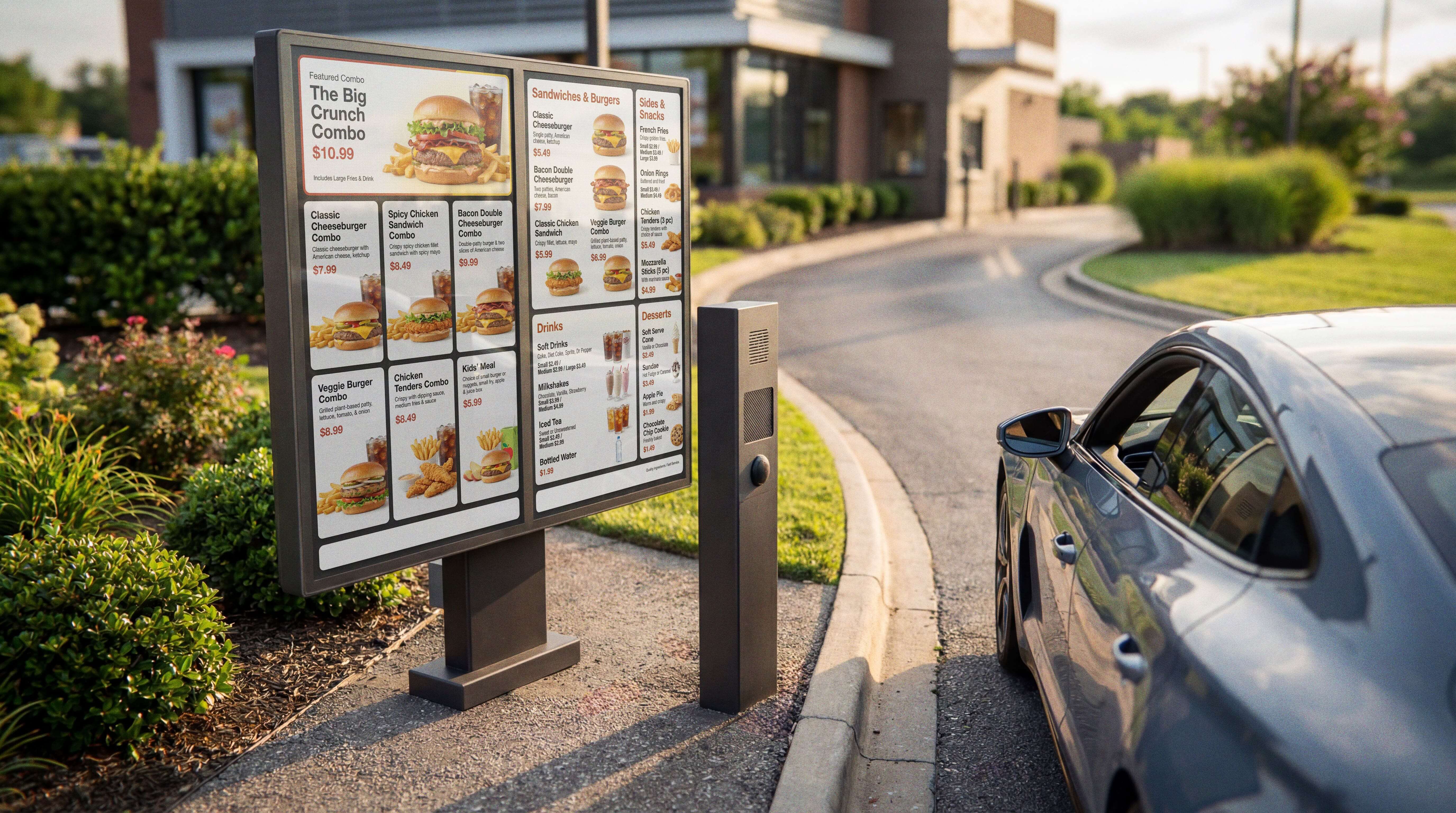
Drive-Thru Workflow
Route drive-thru orders cleanly and support faster handoff between ordering, payment, and kitchen production.

Self-Service Kiosks
Reduce line pressure and labor bottlenecks by giving guests a faster self-ordering path inside the store.
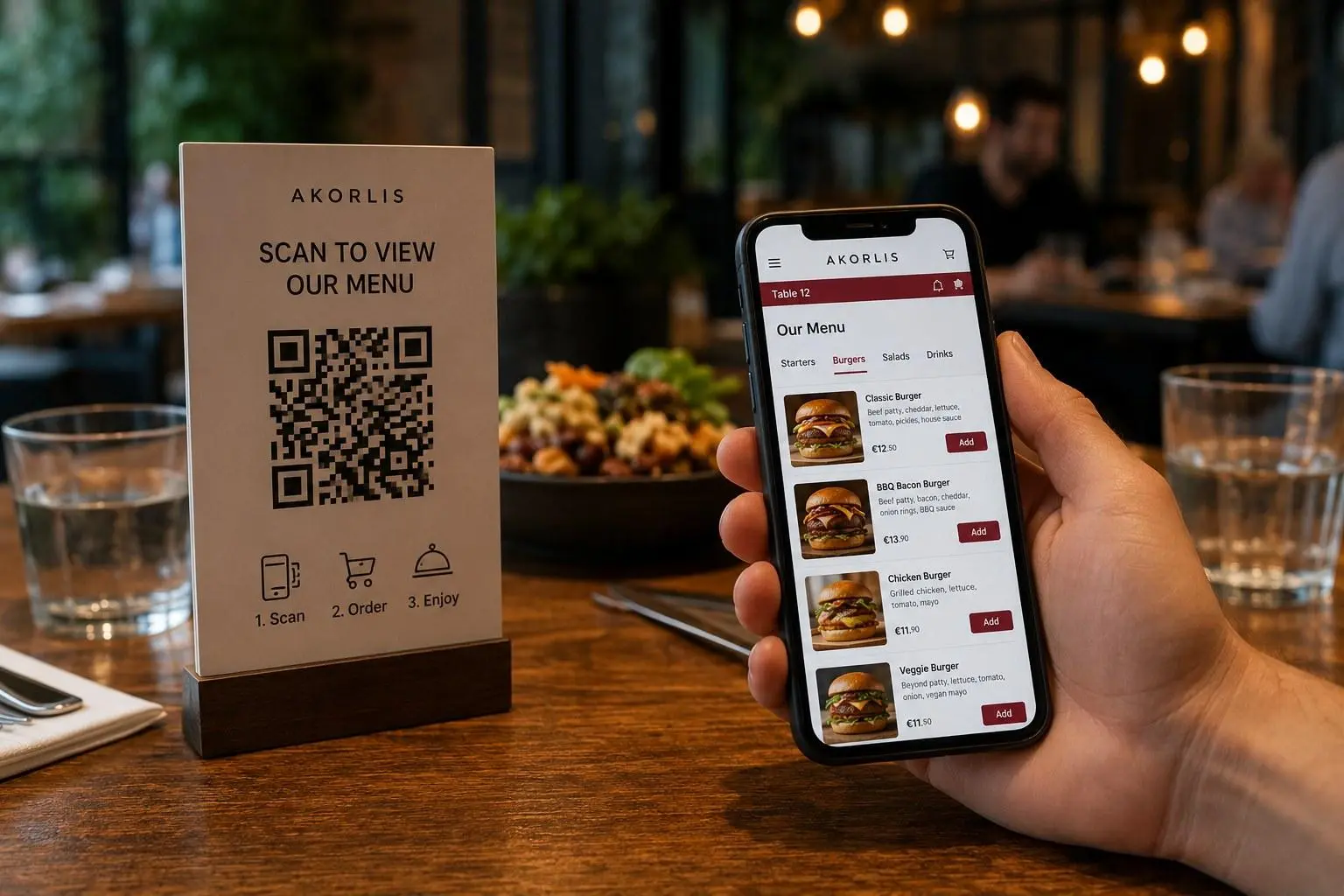
QR and Mobile Ordering
Support scan-based ordering and mobile convenience where faster guest access improves throughput and guest satisfaction.
Solution Categories for Fast-Moving QSR Operations
QSR restaurants need a connected operating system across the front counter, kitchen, menus, and growth channels. These are the solution areas that usually matter most.
Kitchen Display System
Orders reach the right station faster, helping the kitchen manage pace, reduce mistakes, and move tickets more efficiently during rush periods.
Digital Menu Boards
Keep menu and price updates aligned with the POS while spotlighting high-margin items, combos, and promotions.
Flexible Payments
Accept the payment types guests expect while keeping checkout fast at the counter, kiosk, or other service point.
Multi-Location Operations
Manage menus, pricing, reporting, and operations across one store or a broader QSR group from a connected system.
Online Ordering for QSR Operations
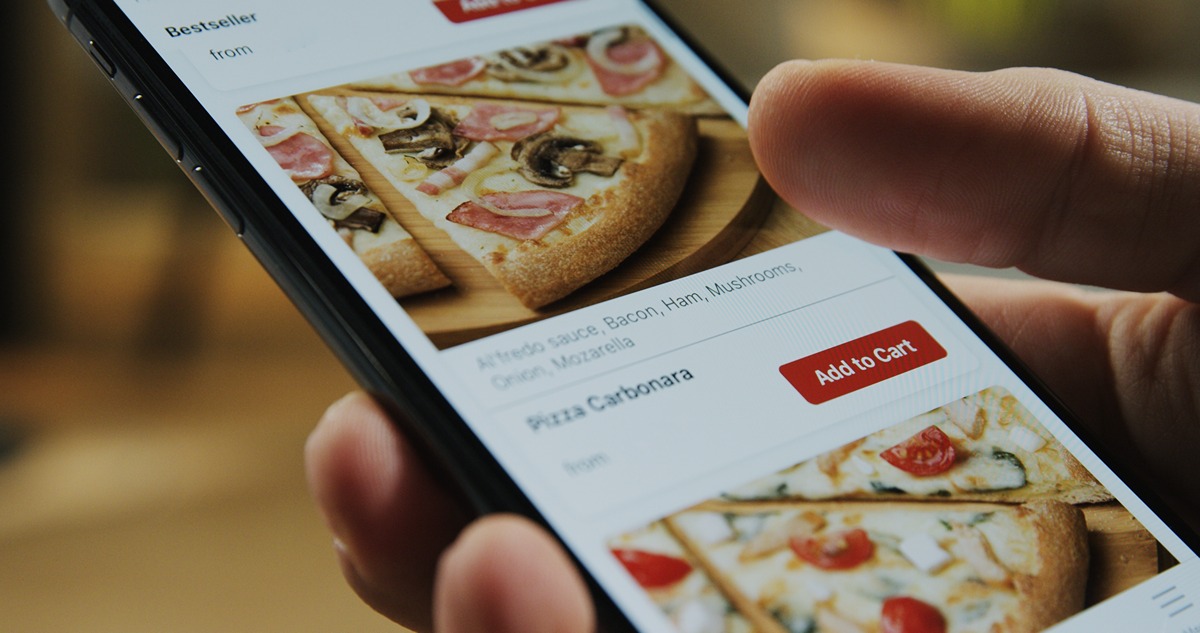
Quick service brands depend on speed across every order channel, not just the counter. Online ordering has to stay aligned with the same kitchen, menu, and pricing workflow that the restaurant uses inside the store.
Accept pickup and takeout orders through a system that stays aligned with the live menu and pricing.
Reduce friction between dine-in, online, and counter channels by using one operating workflow.
Keep menu updates and item availability synchronized so staff are not correcting disconnected channels by hand.
Support faster guest ordering on phones or through branded digital touchpoints.
Make off-premise growth easier to manage without adding operational clutter.
Third-Party Delivery Integration
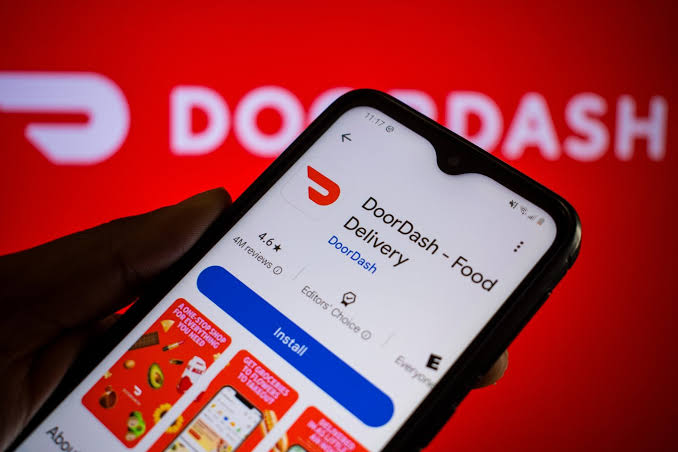
Delivery can add revenue, but it also adds operational clutter when orders live on disconnected tablets. QSR operators usually need those channels integrated into the same system that already runs the rest of the restaurant.
Bring third-party delivery orders into the same operating flow instead of managing separate tablets at the counter.
Keep item availability, pricing, and reporting more consistent across delivery channels.
Reduce handoff errors by routing third-party tickets into the same kitchen process as other orders.
Support better reporting when off-premise revenue is visible in one place.
Make delivery easier to run without creating more back-of-house confusion.
Need Help Comparing Kiosks, Drive-Thru, or Kitchen Workflow Options?
We can help you evaluate which Genius capabilities matter most for your QSR before you commit to a demo or rollout plan.
Talk Through Your RequirementsEmployee Tools & Management
Labor tools matter in QSR because speed of service and staffing discipline are directly connected. Managers need better visibility without slowing the operation down.
Scheduling & Time Tracking
Help managers monitor labor, shifts, and coverage in fast-moving environments where staffing discipline directly affects speed of service.
Permissions & Shift Controls
Use role-based access and cleaner shift workflows so high-volume teams can move quickly without losing oversight.
Cloud Reporting
Review sales, labor, and operational performance from a connected reporting layer rather than stitching together separate tools.
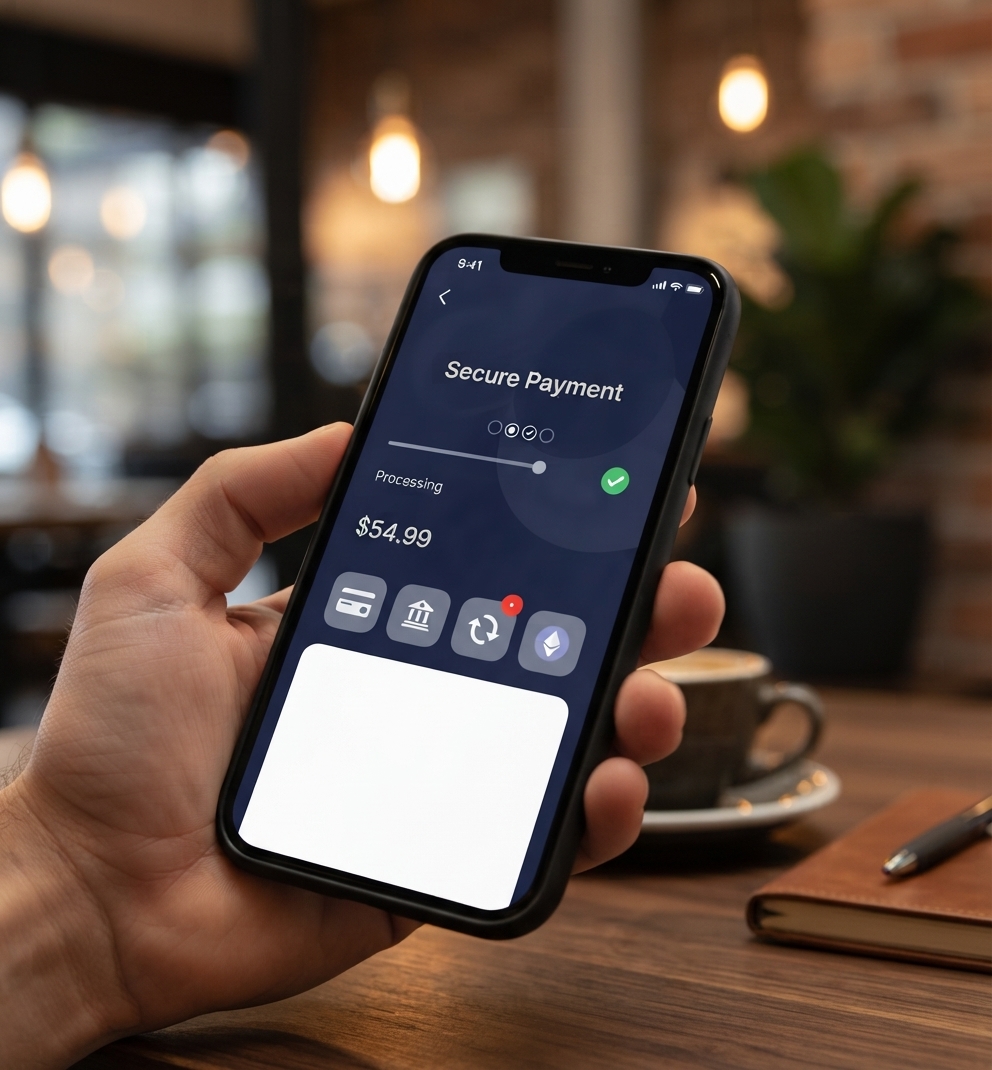
Secure Payment Processing
QSR payment processing has to be fast, flexible, and dependable because the checkout line is one of the biggest pressure points in the operation.
Accept all major cards and contactless payment options.
Support fast checkout at the counter, kiosk, or other guest-facing touchpoints.
Keep PCI-compliant payment processing tied to the same broader POS workflow.
Reduce payment friction during peak periods when queue speed matters most.
Build Loyalty & Engagement
QSR growth depends on repeat visits, faster reordering, and offers that actually bring guests back. Loyalty works best when it is built into the operating system rather than managed as a disconnected add-on.
Built-In Loyalty Programs
Reward repeat guests and increase visit frequency with integrated loyalty tools tied to real transaction behavior.
Guest Profiles & Promotions
Use customer data to support more targeted offers instead of relying on generic discounts alone.
Mobile Guest Engagement
Stay connected with guests beyond the counter through digital convenience and branded follow-up opportunities.
Restaurant Hardware & Devices
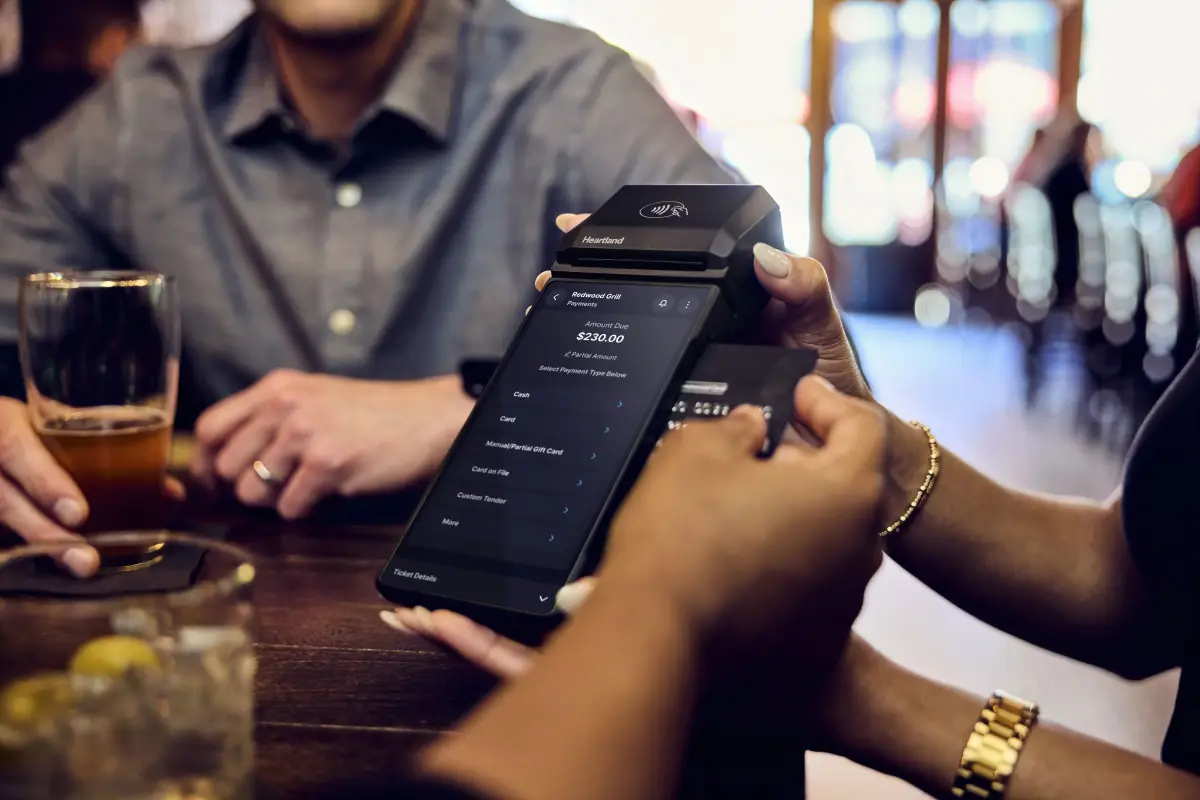
QSR operators need hardware that supports speed, visibility, and flexible guest ordering rather than forcing staff to improvise around equipment limitations.
Countertop POS stations for fast front-counter service.
Kitchen display devices that support real-time production visibility.
Self-service kiosks for higher throughput and reduced line pressure.
Payment devices and peripherals that keep checkout moving quickly.
Customer Logos
Examples of customer-brand logos and restaurant identities used across the site to help signal trust and service-driven hospitality relationships.
.webp)

What QSR Operators Need Most
QSR owners usually care less about long feature lists and more about whether the system can keep the line moving, help the kitchen keep pace, and support growth across multiple order channels.
Shorter lines and faster throughput during peak ordering periods.
Cleaner handoff between the counter, drive-thru, kiosk, and kitchen.
Better menu, pricing, and reporting consistency across channels.
A simpler operating system for growing from one location to many.
Why QSR Restaurants Choose AAJ Electronics
AAJ Electronics helps restaurant operators translate Genius features into workable QSR processes around speed of service, kiosk adoption, drive-thru flow, payment handling, and multi-location growth.
Experience matching Genius capabilities to real QSR workflows rather than just listing features.
Guidance around digital menu boards, kiosks, drive-thru flow, and kitchen coordination.
Integrated payment and POS support so operators are not stuck juggling separate vendors.
Implementation and support that help restaurants adopt the system without losing momentum during busy service periods.
Frequently Asked Questions
These answers cover common buyer questions about kiosks, drive-thru operations, kitchen management, online ordering, implementation, multi-location management, and integrations.
One System. Faster Service. Higher Revenue.
From digital menu boards to self-service kiosks to real-time reporting, Genius POS gives QSR owners the tools they need to operate faster, serve smarter, and grow profitably.